ProductOS Mobile
Build anywhere.
The full ProductOS build studio, in your pocket. Describe a mobile app, a website, or a web app. A real coding agent builds it in the cloud while you watch, test, and ship it, all from your iPhone.
Same account · Same projects · Same credits as the web
Idea to live product.
Every run boots a real cloud sandbox. What you preview is what ships.
01
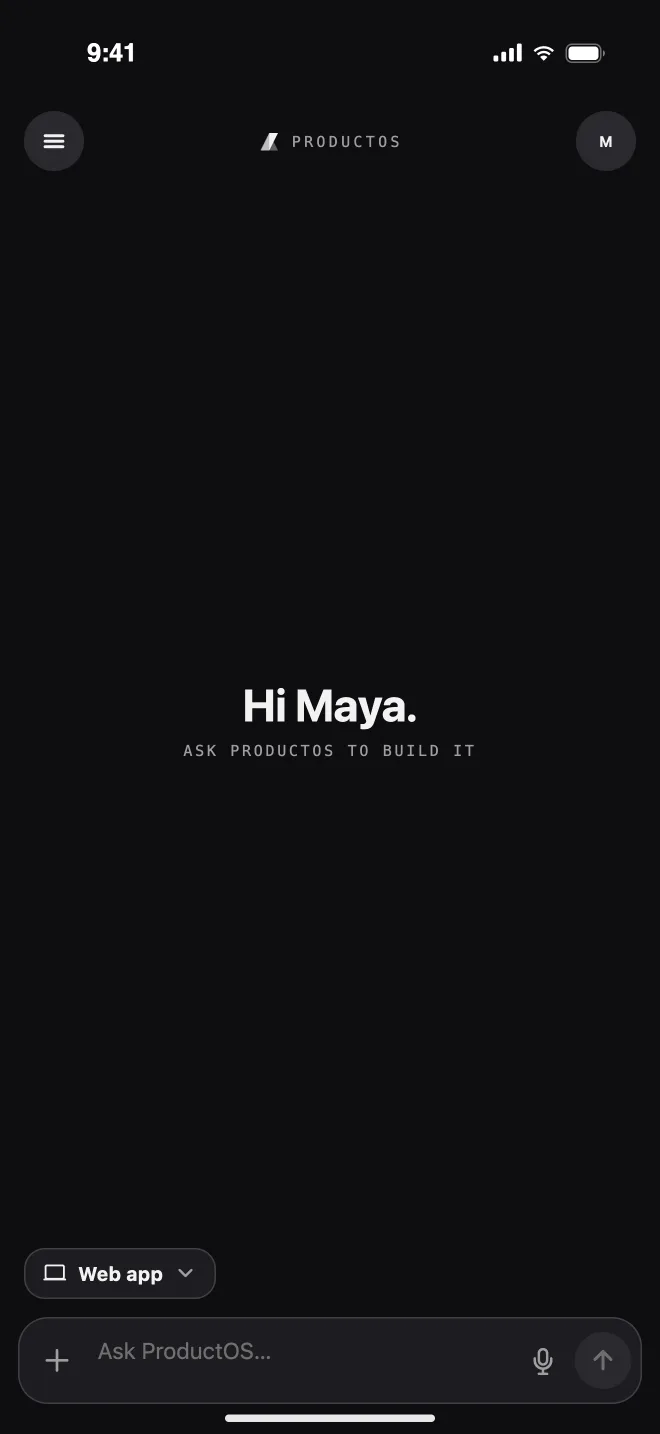
Describe it
Pick a channel and say what you want. Type it, or dictate it.
02
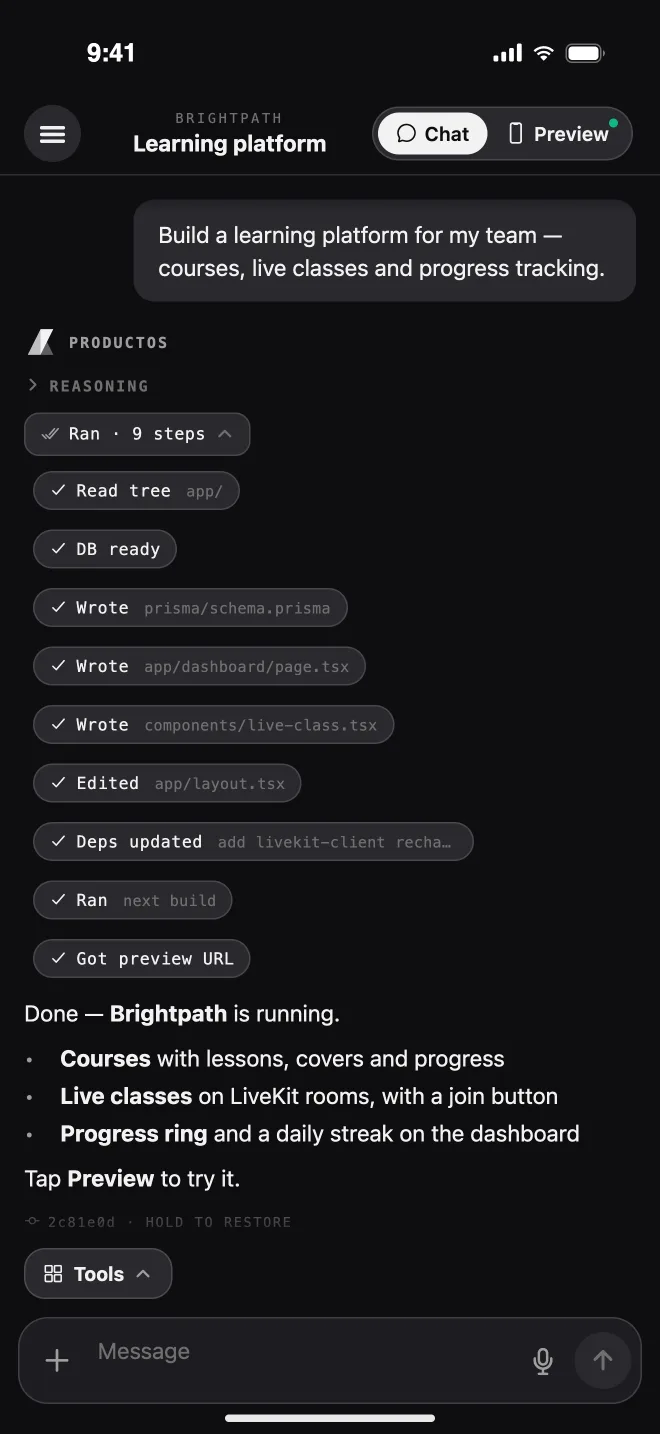
Watch it build
A real agent writes the code, wires the database, and boots it.
03
Tap it, test it
The live preview is the actual app, running in its sandbox.
04
Ship it
Deploy to the web, or build and submit to the stores.
The best ideas
Seventy seconds of the real app: voice to app, a live sandbox preview, one-tap deploy, and submission to the stores.
Everything the studio does.
Real screens from the app, running a real project.
01 · AI coding agent
A real agent, not a chatbot
Watch every step as it happens: the files it reads and writes, the database it provisions, the dependencies it installs. Grouped, collapsible, and readable on a small screen.
- Streamed reasoning, tool steps, and a plain summary
- Plan mode: the agent proposes before it builds
- Answer its questions and approve plans from cards
02 · Live preview
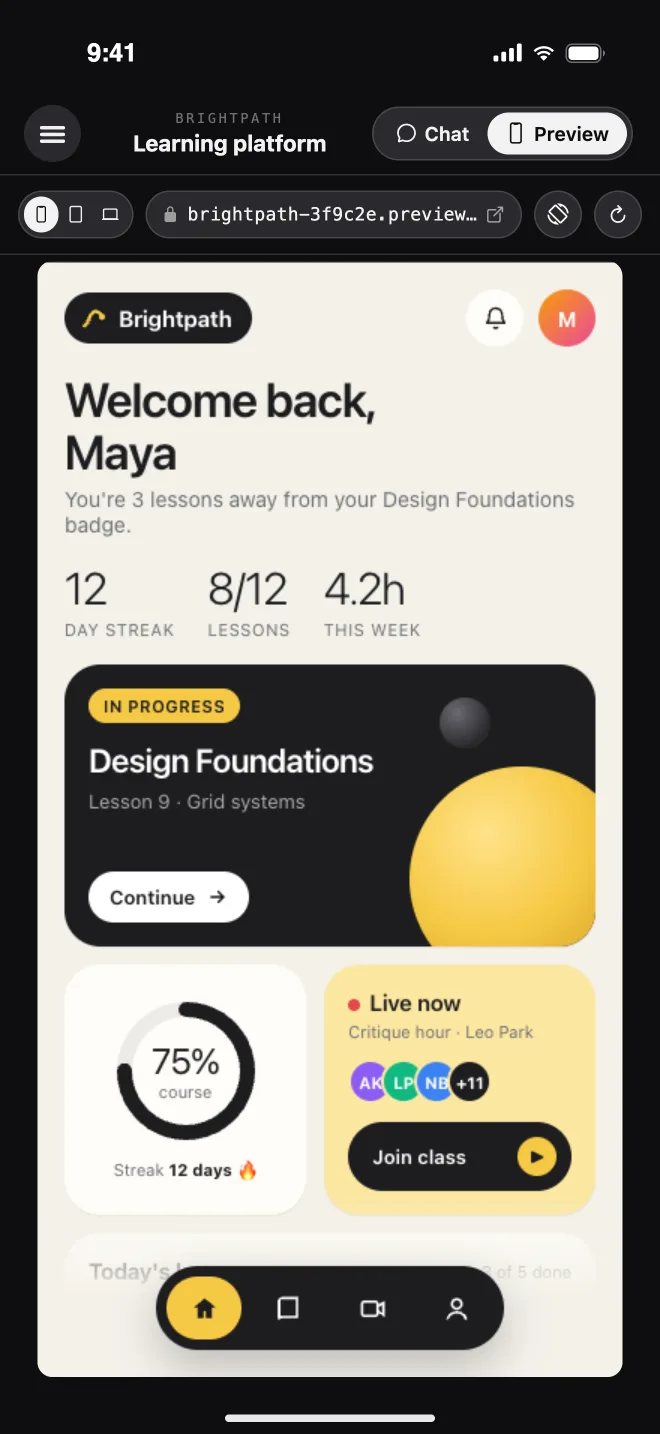
See it live. Tap it. Test it.
Flip from Chat to Preview and you are using the real app, served from its cloud sandbox. Check a responsive site at phone, tablet, and desktop widths without leaving the screen.
- Phone, tablet, and web viewports at real widths
- Boot progress you can follow, with auto-reconnect
- Hit an error? Ask the agent to fix it in one tap
- Open Expo apps in Expo Go with a QR or deep link
03 · One-tap deploy
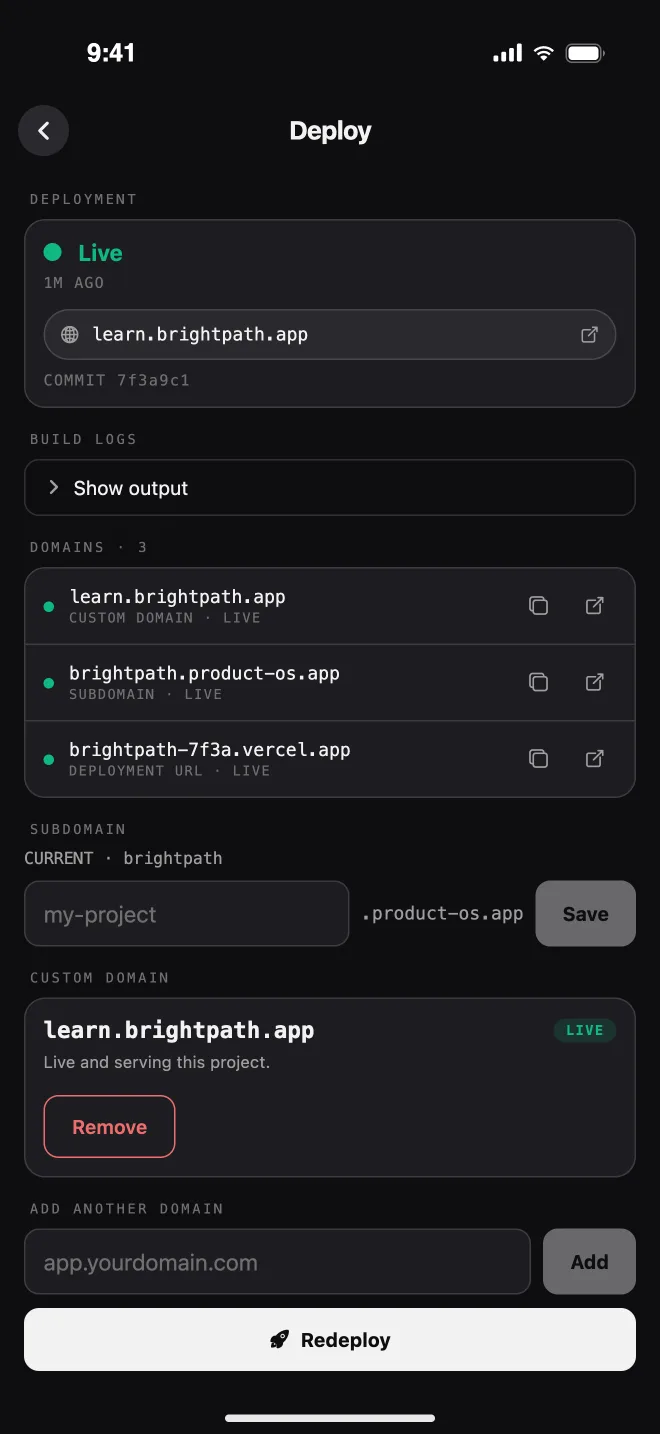
One tap. It's live.
Ship websites and web apps to production, follow the build logs, and get the live URL. Claim a product-os.app subdomain or connect your own domain with DNS instructions right there.
- Live status, build logs, and redeploy
- Editable product-os.app subdomain
- Custom domains with DNS records to copy
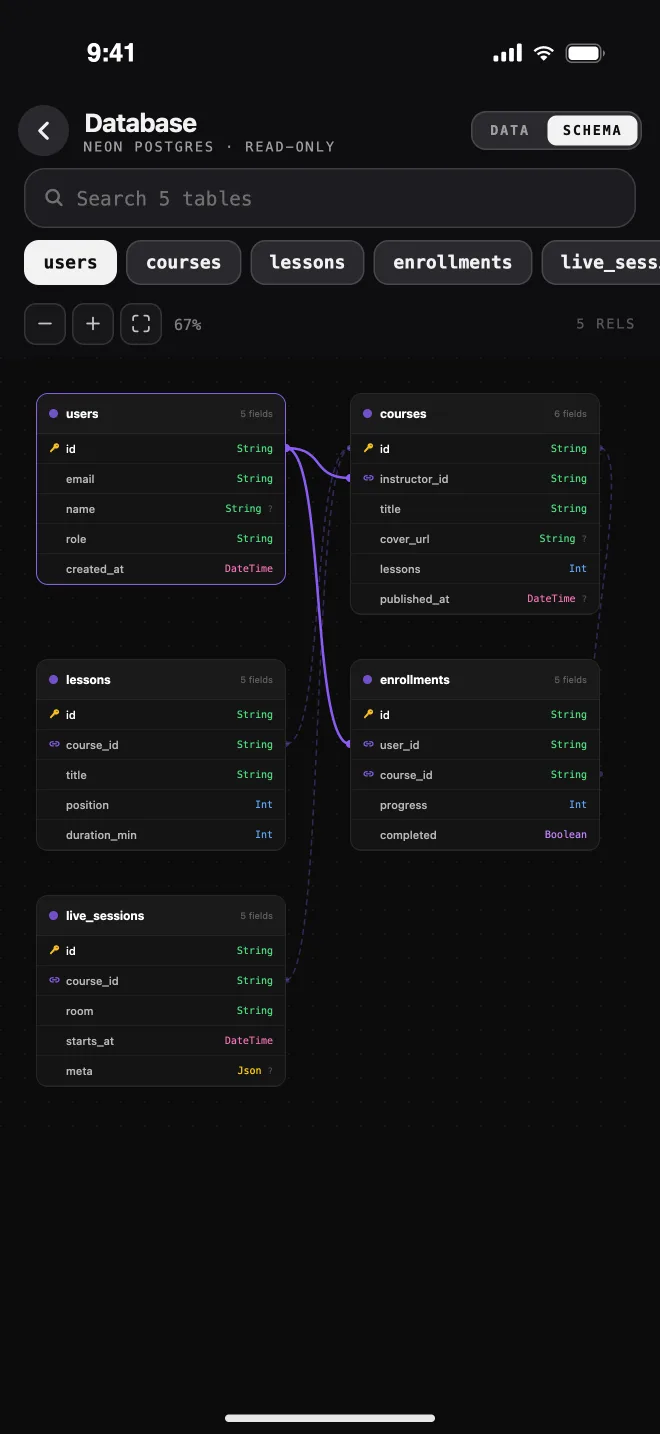
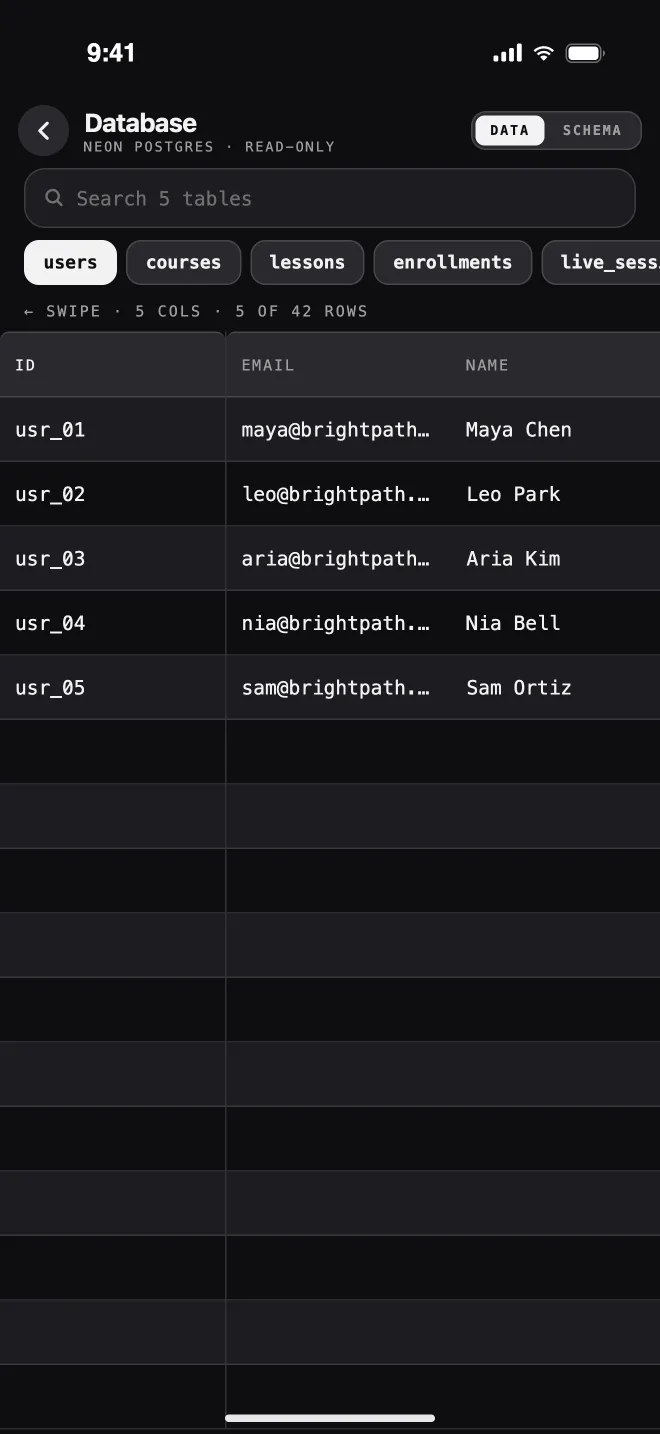
04 · Your data, drawn for you
The database, in your hand
Every table of the project's Postgres database, drawn as a schema diagram you can pan, plus a swipeable grid of the actual rows. Perfect for checking what the agent just built.
- Schema diagram with relations
- Row data for every table
- Search across tables
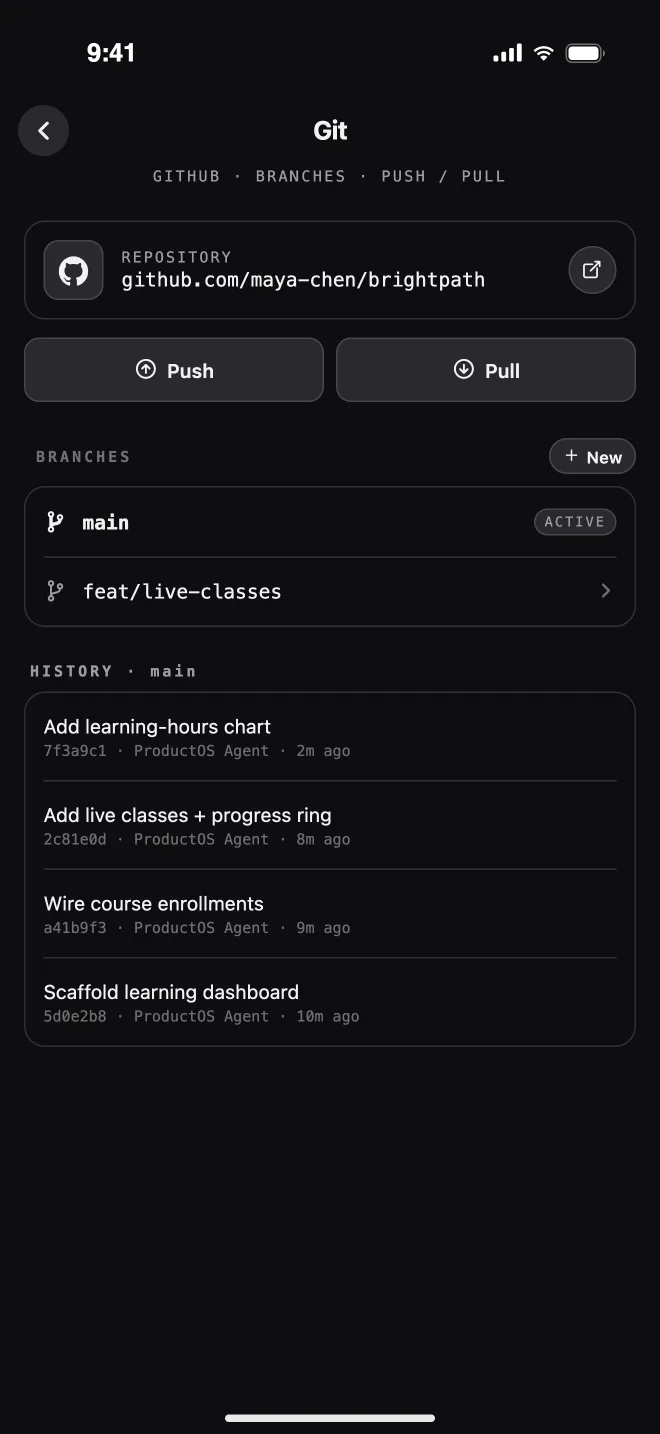
05 · Git built in
Every change, committed
The project's GitHub repository, branches, and full history. Switch or create branches, then push or pull in one tap. The code is always yours.
- Push and pull in one tap
- Create, switch, and delete branches
- Commit history per branch
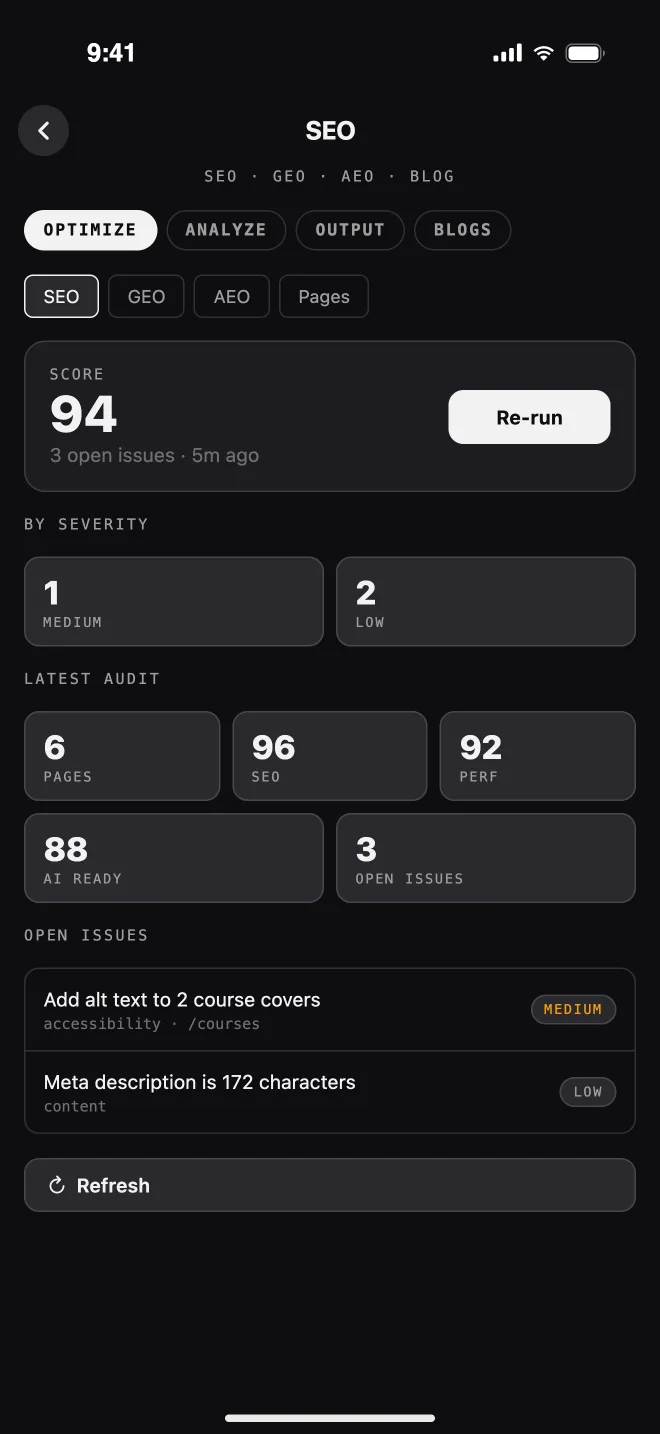
06 · SEO · GEO · AEO
Get found. Scored for you.
A full growth suite for your sites: an SEO score with issues by severity, keyword rankings, AI visibility, technical audits, and a blog CMS with categories, tags, and authors.
- Site audit, keywords, and rankings
- AI visibility for answer engines
- Blogs, categories, tags, and authors
Just say it.
The best product ideas show up on a walk, in a meeting, or halfway through dinner. Capture them the moment they happen, in whatever form they arrive.
Dictate it
Say “add a sign-in screen” and keep walking. Voice is transcribed on the server.
Snap a sketch
Photograph a whiteboard sketch or a paper wireframe and build from it.
Attach a screenshot
Show the agent a bug, or a design you want it to match.
Add files
Images, video, and PDFs, uploaded straight into the conversation.
IMG_2231.jpg · camera
Fast on the go.
Long-press any turn to copy it, restore the code to it, or fork from it.
Plan mode
Ask the agent to propose first. Nothing is built until you approve the plan.
Answer in a tap
When the agent needs a decision, it asks with a card you can answer on the spot.
Queue your thoughts
Keep adding requests while it works. Up to ten wait their turn in order.
Stop any run
Changed your mind? Stop the agent mid-run and redirect it.
Restore any turn
Put the project files back exactly as they were at any point in the chat.
Fork a conversation
Branch the chat from any turn to try another direction without losing this one.
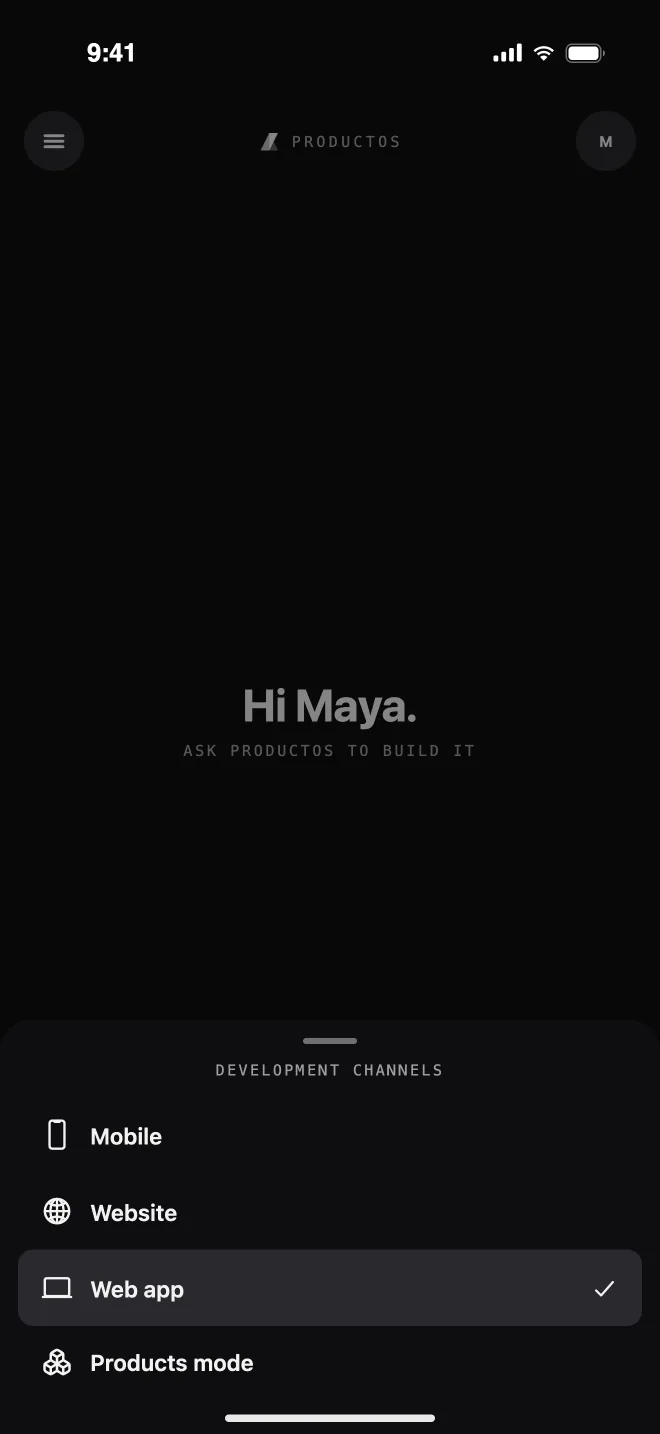
Mobile apps, sites,
Choose what you are building before you send the first message. ProductOS picks the right stack, template, and sandbox for it, and remembers your choice next time.
Mobile
Native iOS and Android apps with Expo, previewable in Expo Go.
Website
Marketing sites and landing pages, built to rank and convert.
Web app
Full-stack apps with accounts, a database, and storage.
Products mode
One brief fans out into web, mobile, and website in parallel, with shared context and one database.
Your whole stack.
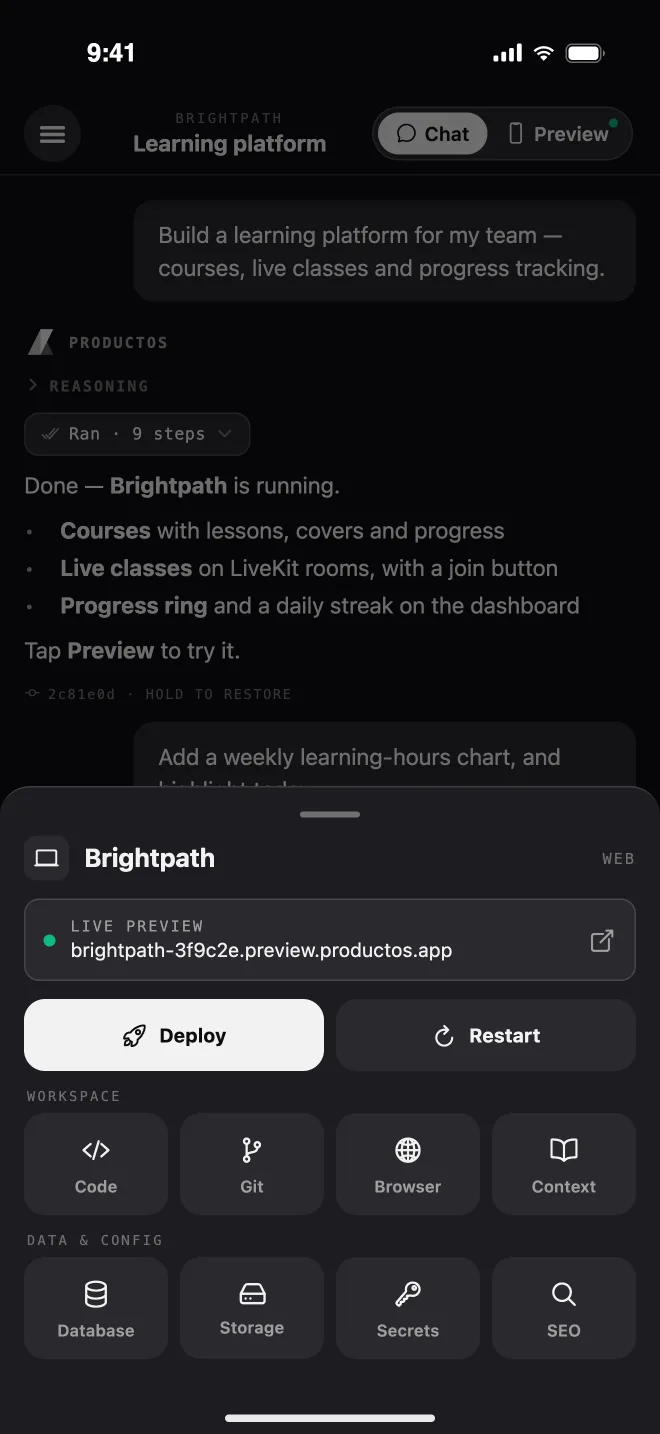
Open the Tools sheet from any chat and the project's entire backend is there: the same infrastructure the web studio runs on, redesigned for your thumb.
Deploy
Web deploys and store builds
Restart
Wake or restart the sandbox
Code
Browse every file and read the code
Git
Branches, history, push and pull
Browser
Watch the agent's live Chromium
Context
Problem, audience, features, stack
Database
Schema diagram and table rows
Storage
Preview, rename, and delete files
Secrets
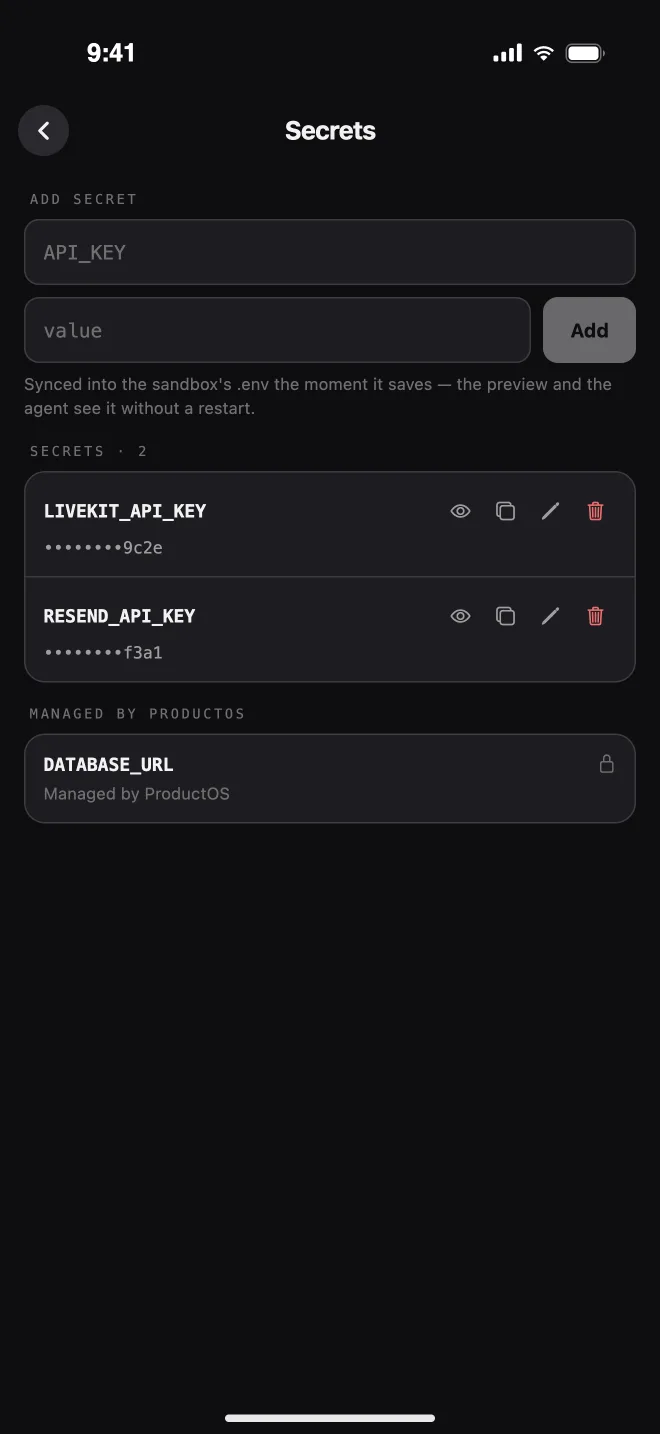
Env vars, synced without restarts
SEO
SEO, GEO, AEO, and a blog CMS
Ship to the stores
Build it on your phone.
Publish it there too.
For Expo projects, the whole release pipeline lives on the Deploy screen. Connect your Apple ID with two-factor verification and an app-specific password, or drop in a Google Play service account. No Xcode, no Android Studio, no laptop.
- 01
Set the identity
App name and bundle identity, set once from the Deploy screen.
- 02
Build an APK
Install directly on any Android phone to test the real build.
- 03
Build an AAB
The bundle Google Play wants, ready to upload.
- 04
Submit to the stores
Send the build to the App Store or Google Play, and follow the logs.
Your studio goes
01
On the commute
Idea to preview before your stop
Dictate the idea, let the agent scaffold it, and tap through the first version before you get off the train.
02
In a client meeting
Change it while they watch
Make the requested tweak in the chat, then hand them your phone with the live preview open.
03
A bug report at dinner
Fix and redeploy in minutes
Attach the screenshot, ask for the fix, check the preview, and redeploy without opening a laptop.
04
After the whiteboard session
Photograph it, build it
Snap the sketch before someone wipes the board and turn it into real screens on the spot.
Small screen.
Real projects from the ProductOS showcase, viewed on a phone. Explore native apps, web apps, and websites built with the same platform.
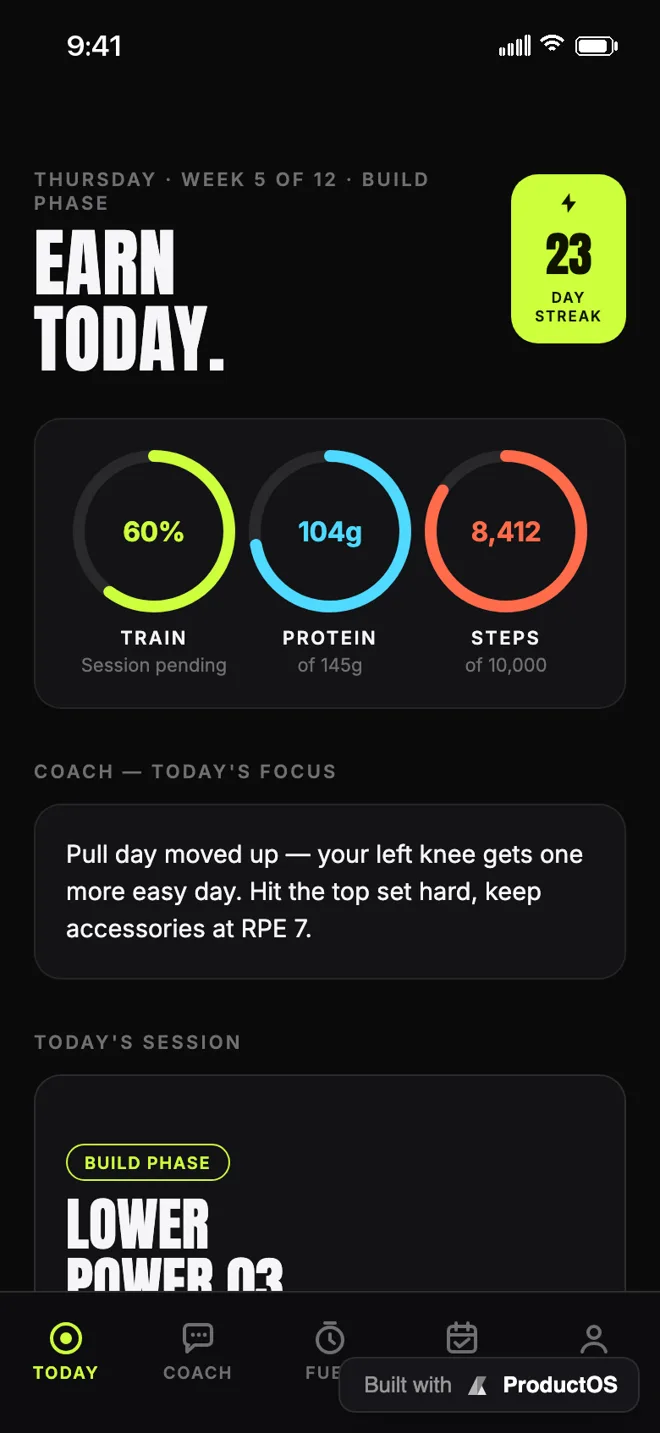
Vital
AI fitness coach
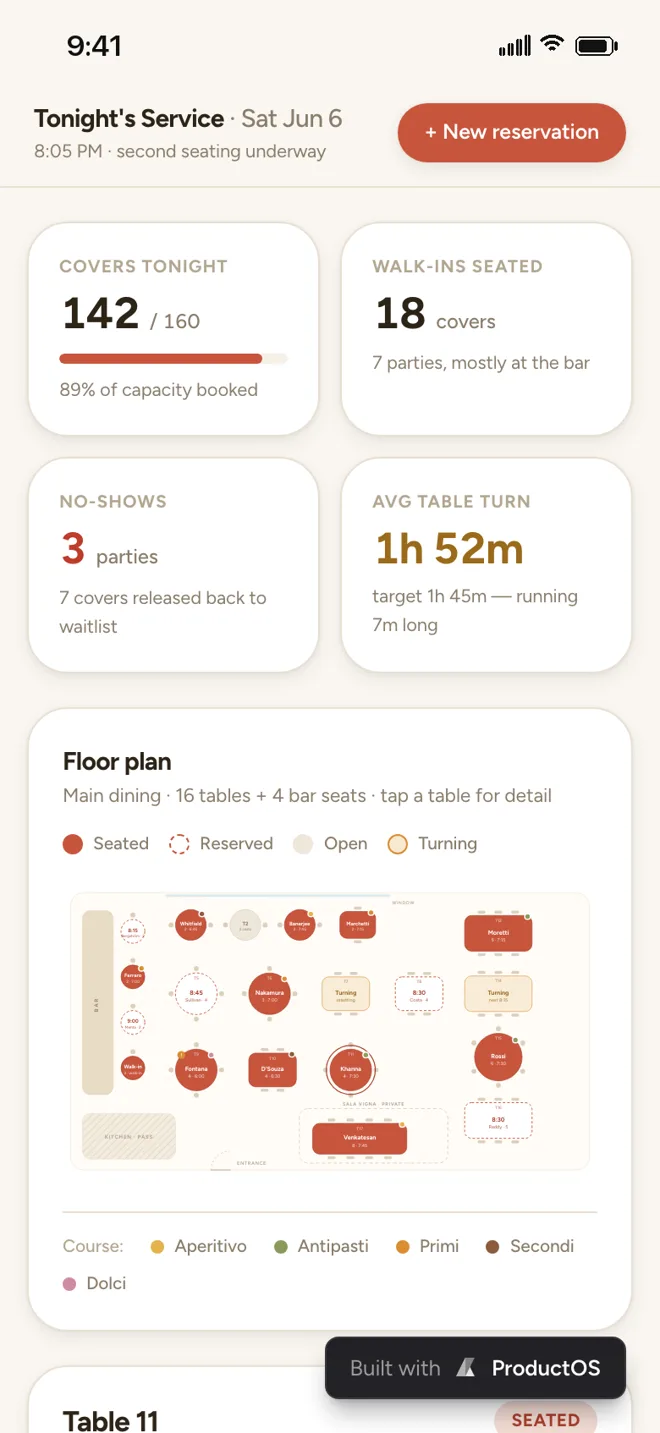
Reserva
Bookings & reservations
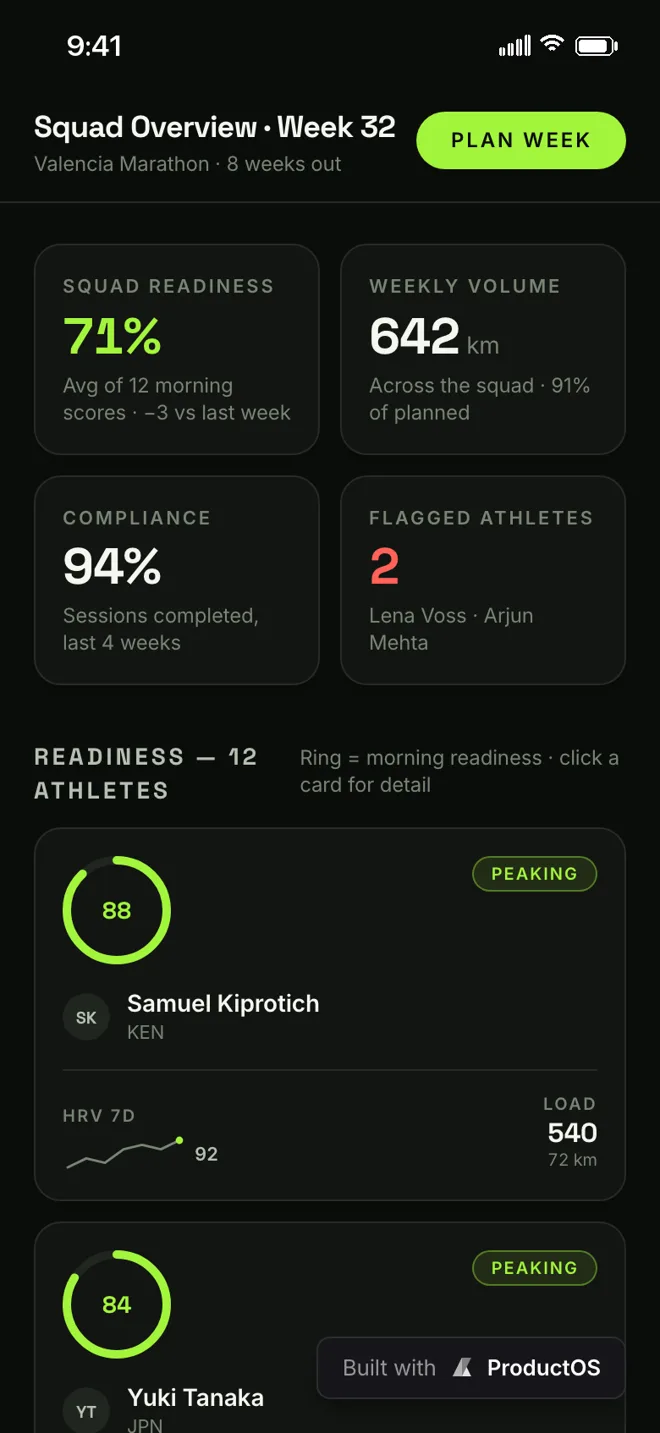
Stride
Running coach
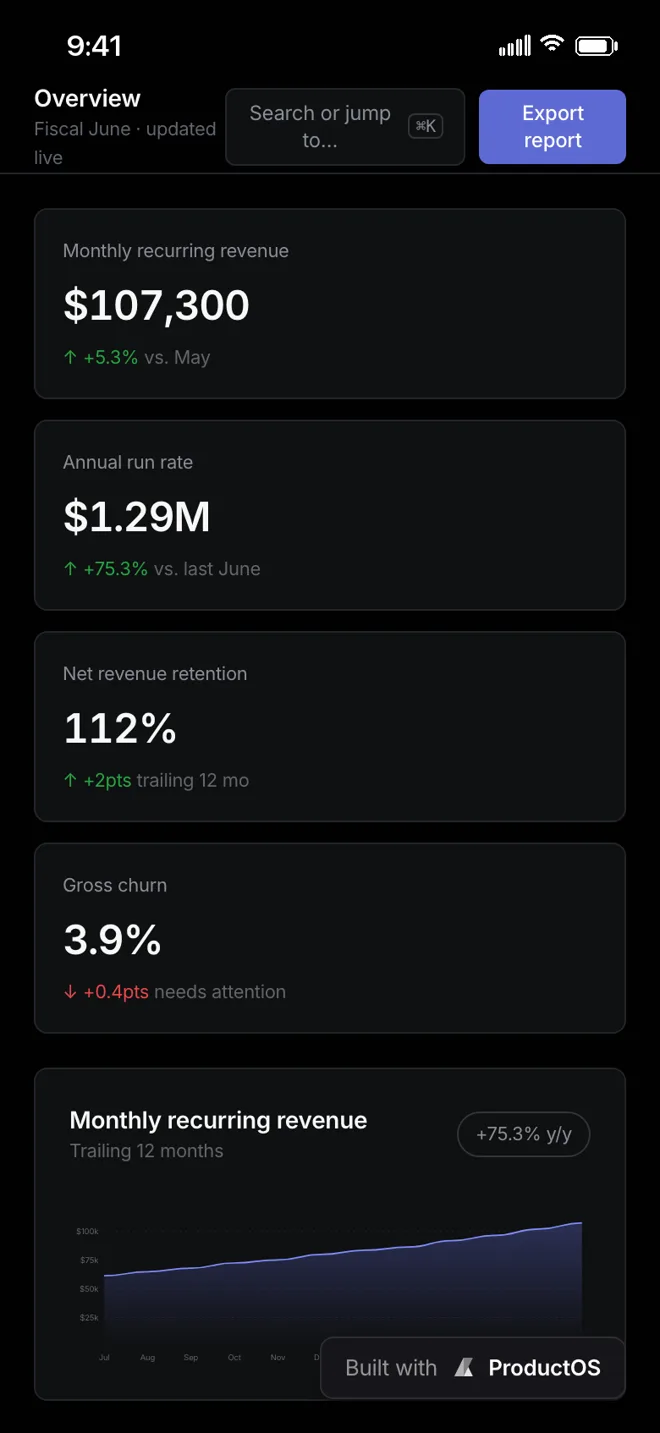
Ledgerline
Revenue analytics
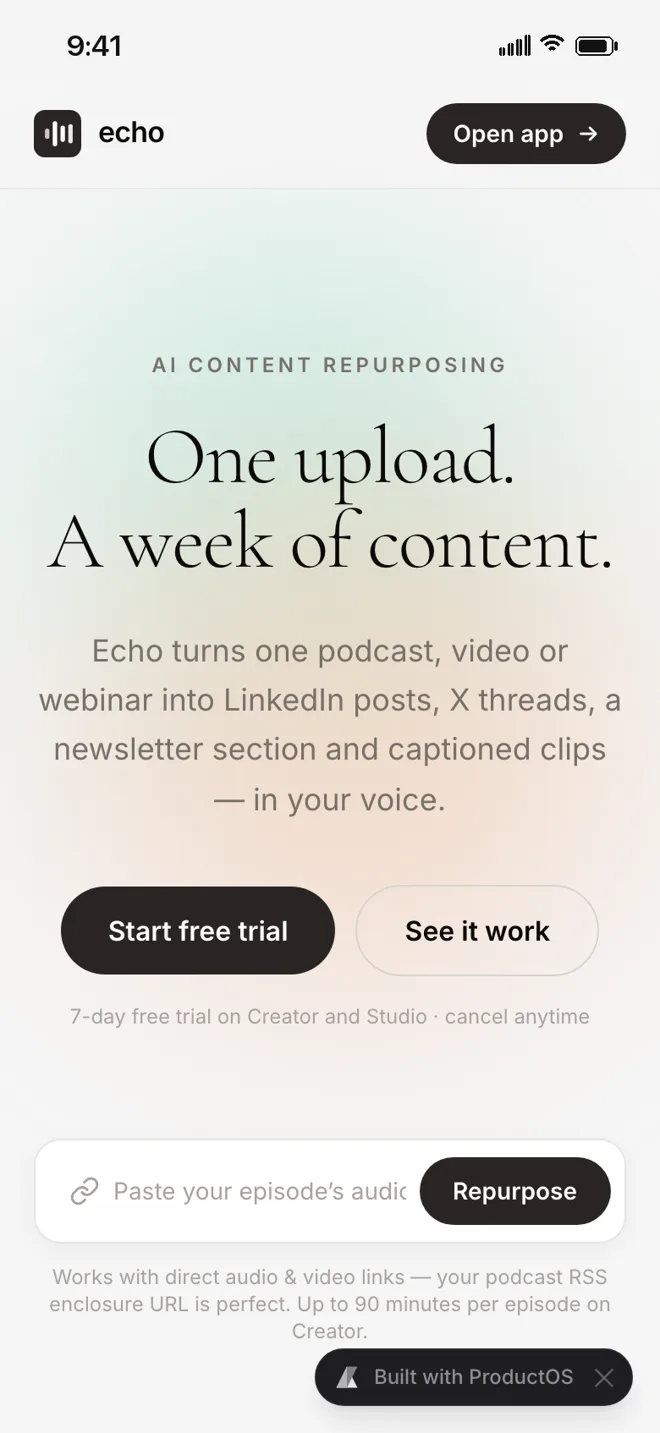
Echo
Content repurposing
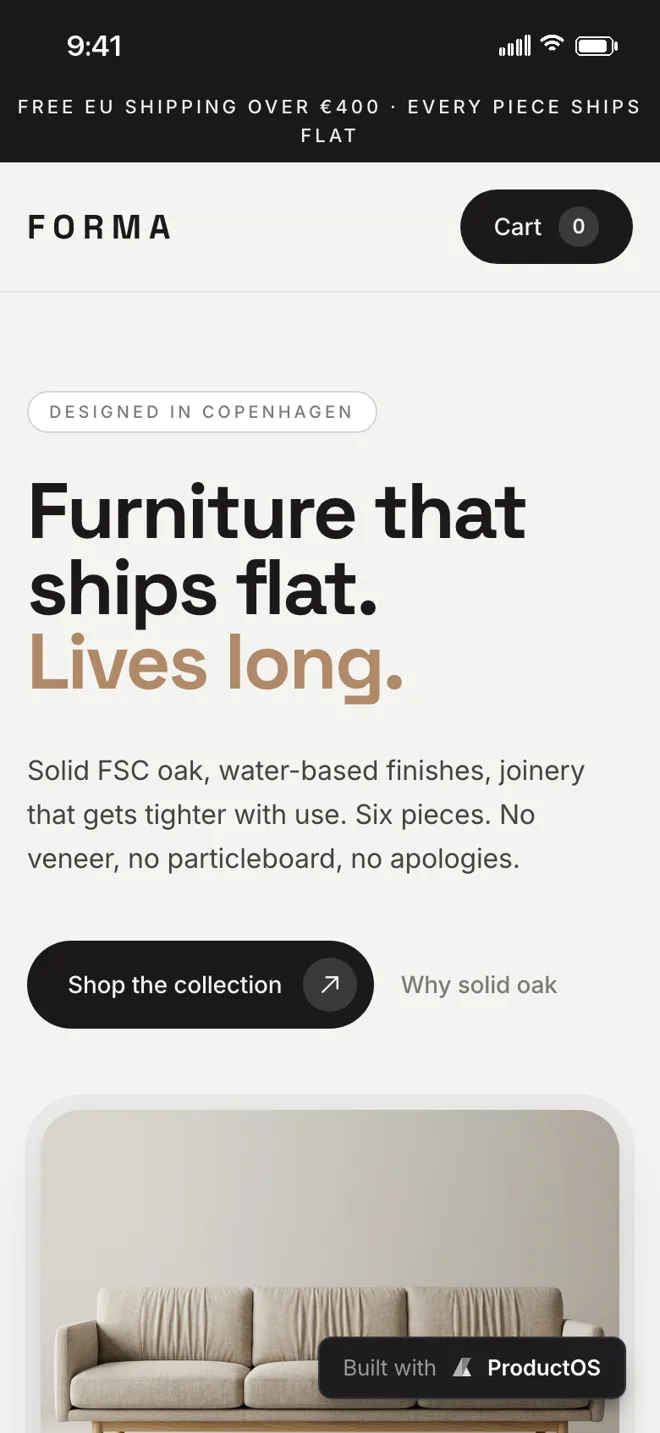
Forma
Design store
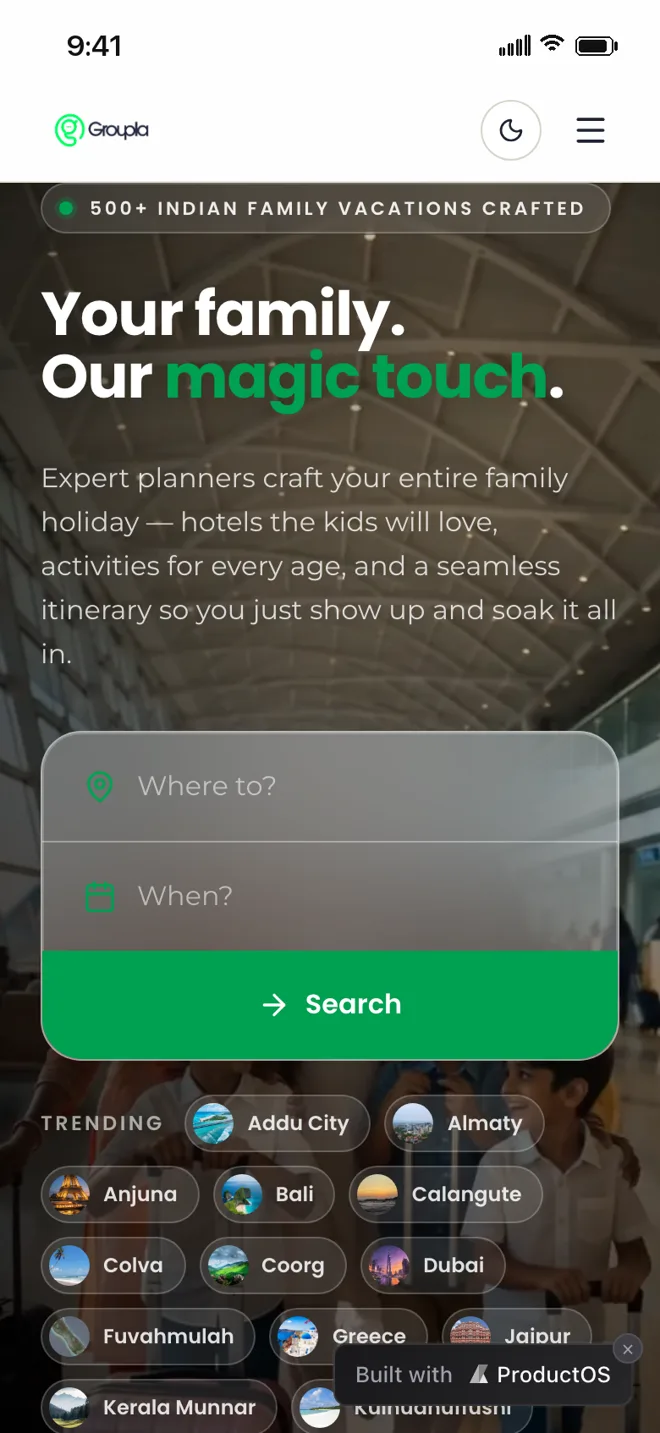
Groupla
Group travel
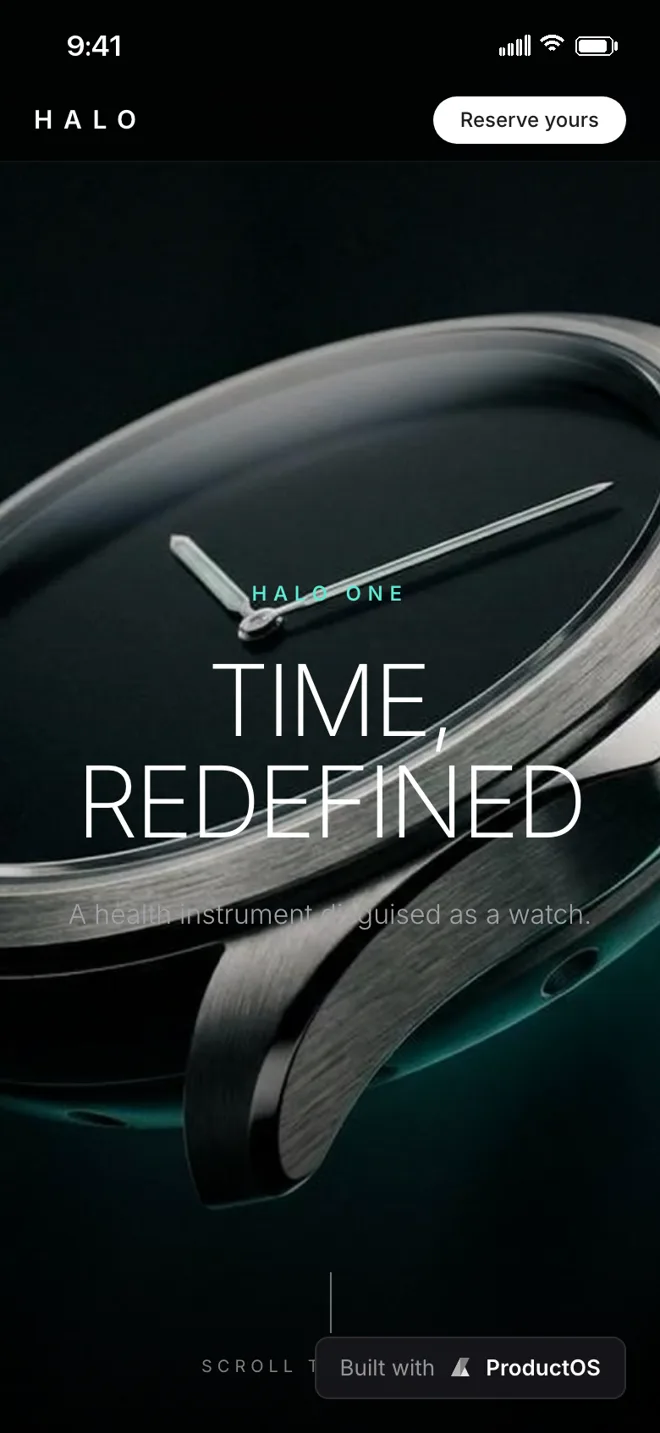
Halo
Watch collection

Aura
Headphone collection
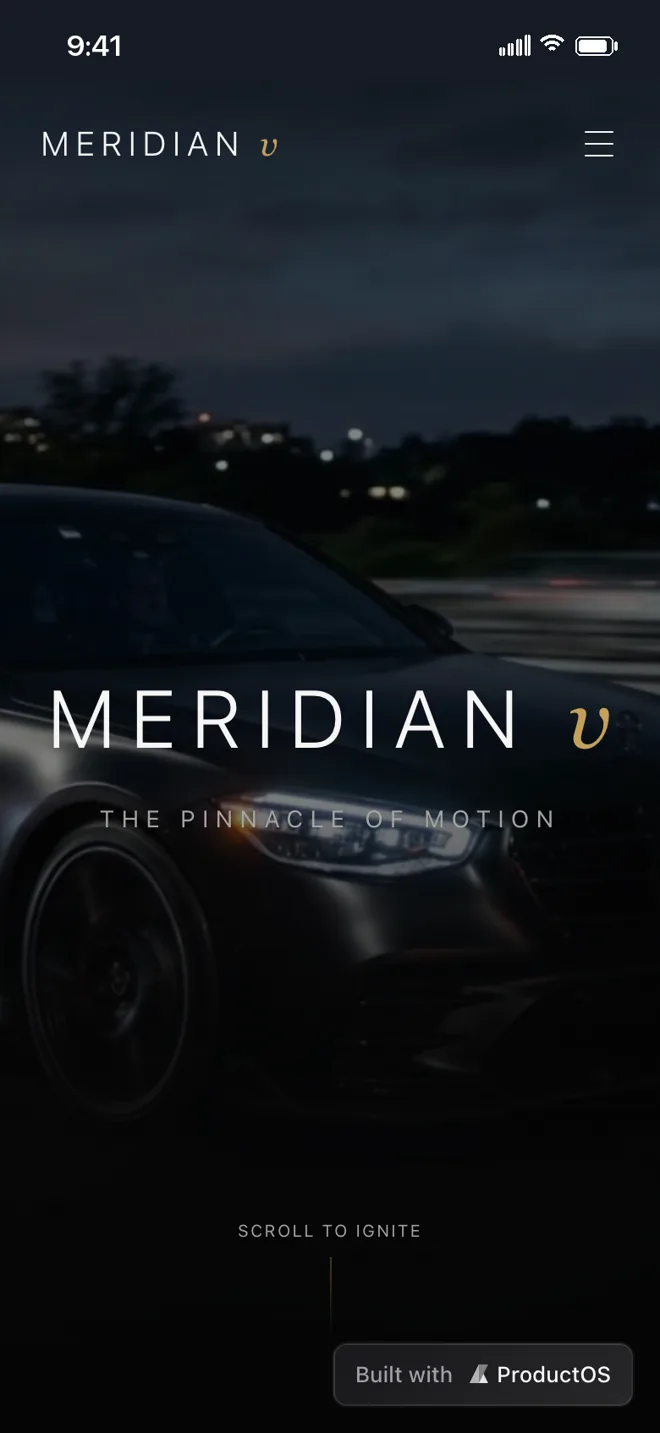
Meridian
Automotive experience
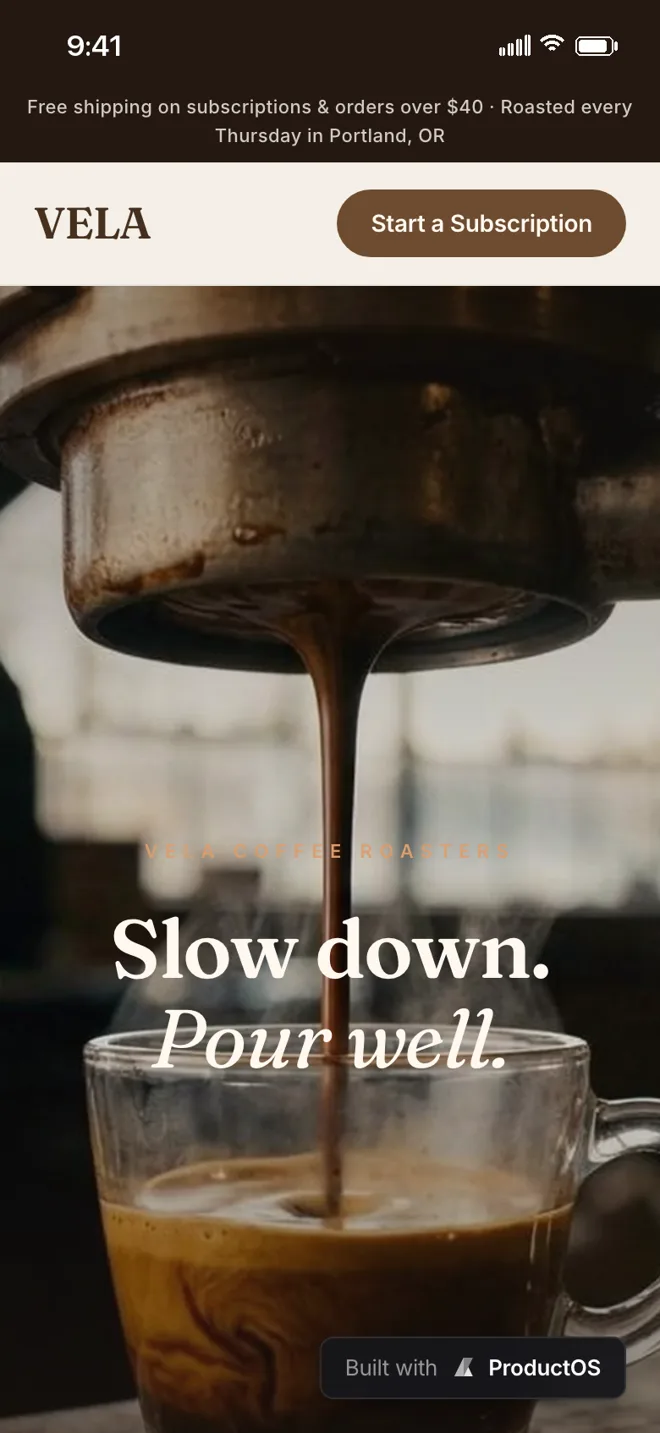
Vela
Specialty coffee
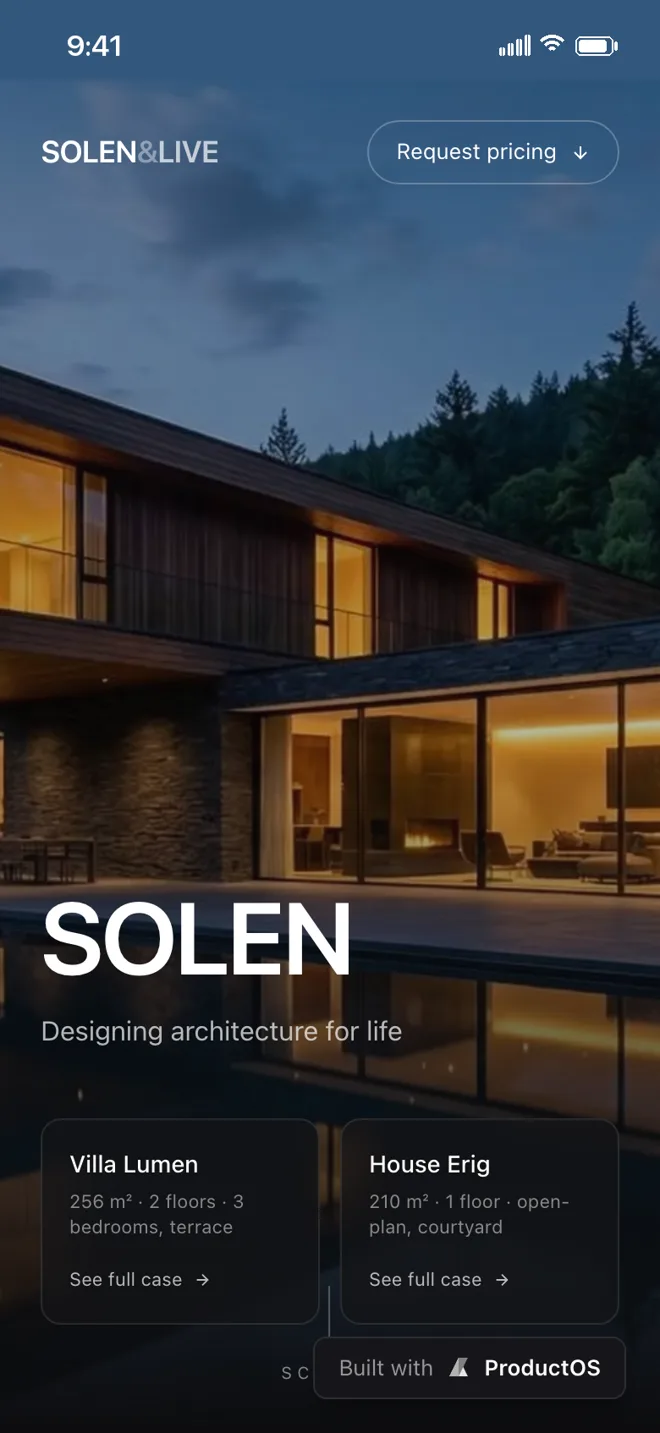
Solen
Architecture studio
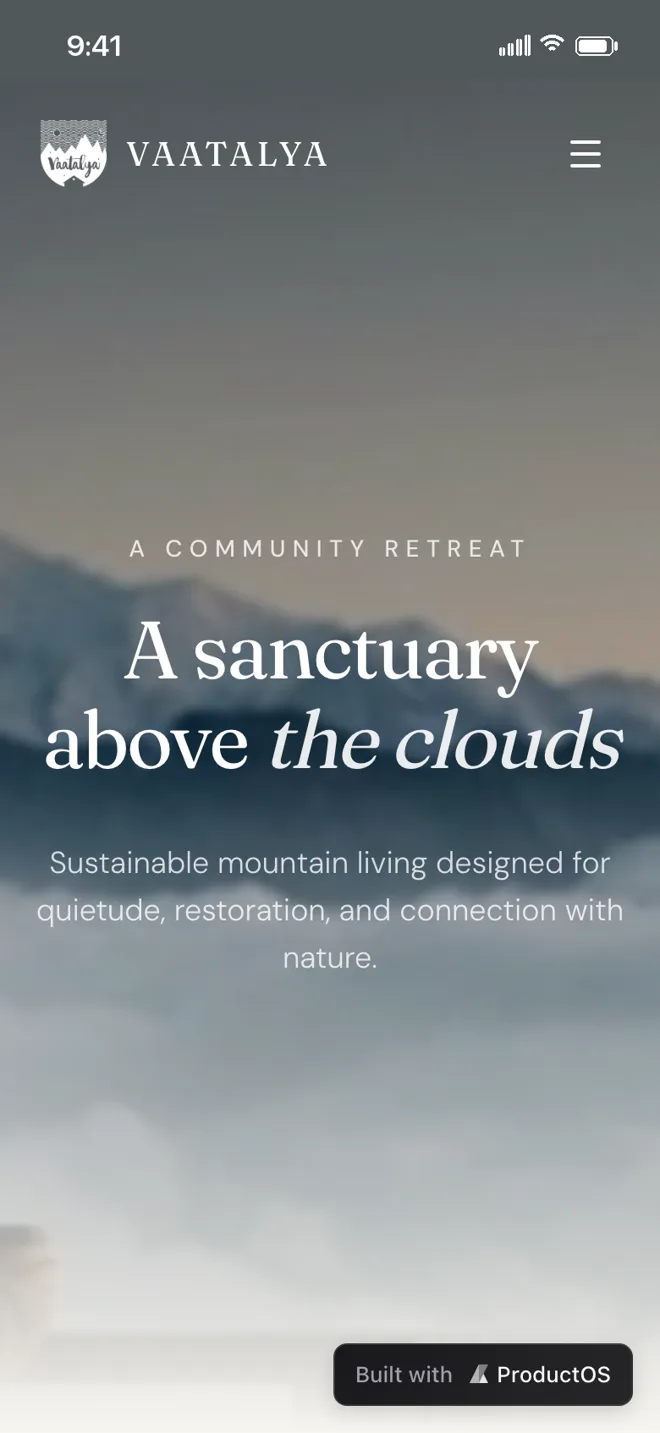
Vaatalya
Mountain retreat
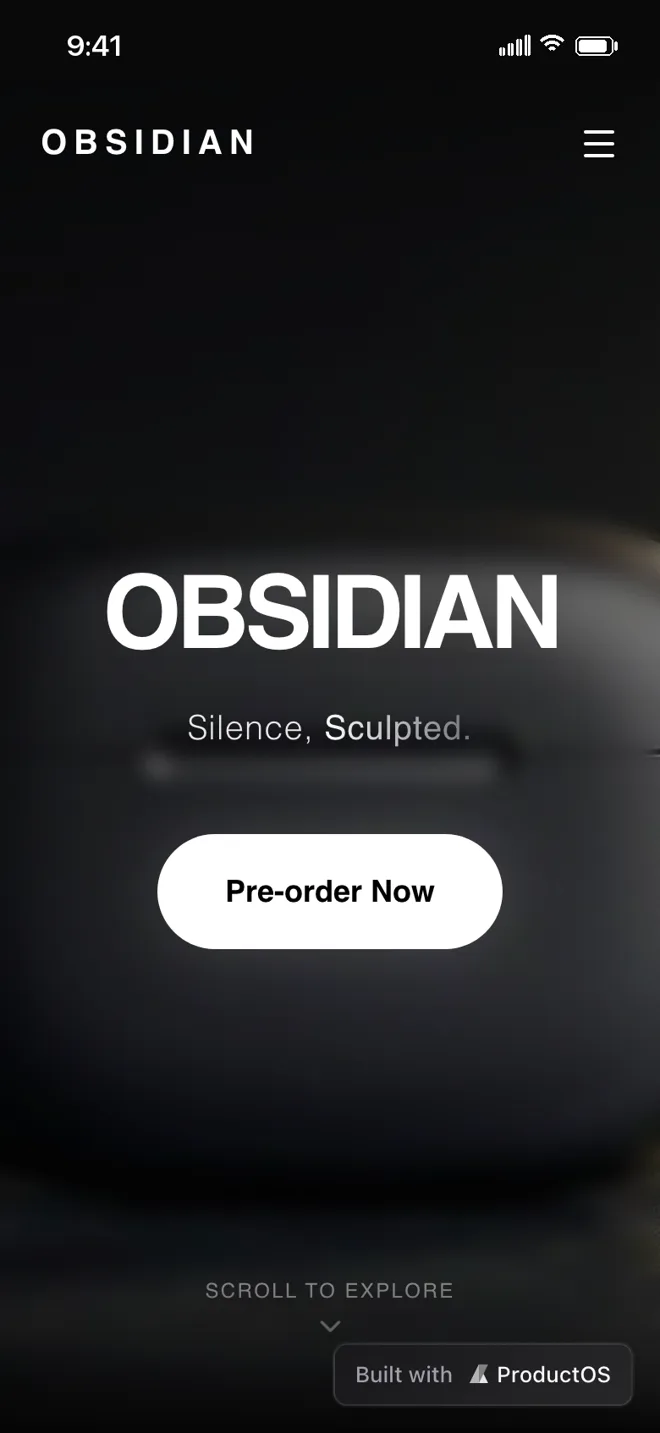
Obsidian
Audio collection
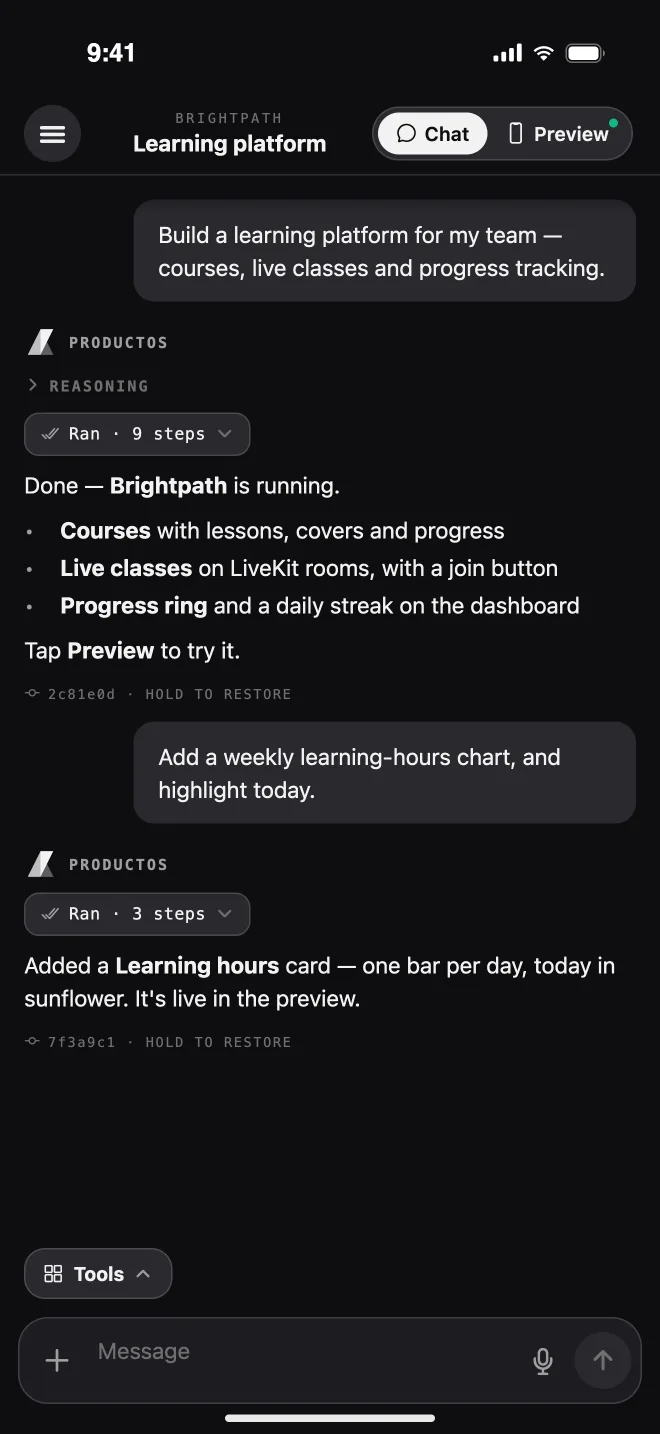
One account.
The app uses your ProductOS account, projects, and credits. Pick up on your phone exactly where you left off on the web.
Clear AI consent
Before you start, see exactly how AI is used, what is shared, and with whom.
Sign in with Apple
Or Google, or email. Your ProductOS workspace, instantly.
Your workspaces
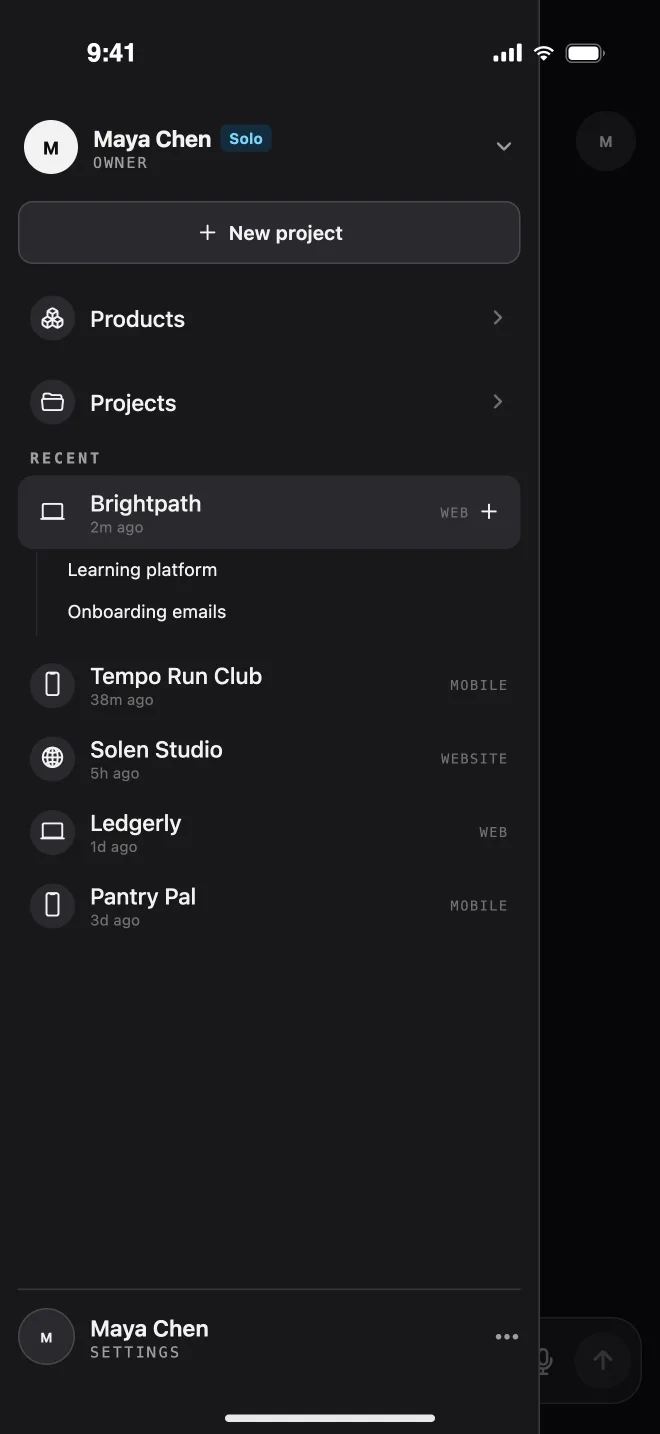
Switch between teams. Agencies manage client workspaces too.
Report any response
Flag an AI reply straight from the chat for review.
Light and dark
Follows your system, or pick one. Haptics you can switch off.
Always current
Over-the-air updates land on launch, no store wait.
Built for the thumb
Sheets, drawers, and long-press actions designed for one hand.
Delete in-app
Remove your account and its data from Settings, any time.
Frequently asked questions
ProductOS Mobile is the ProductOS build studio for iPhone. You describe a mobile app, a website, or a web app, a real AI coding agent builds it in a cloud sandbox, and you preview, test, and ship it to the web or the app stores from your phone.
You actually build on it. Every run boots the same cloud sandbox the web app uses, so the preview is the real app, not a mockup. From the phone you can chat with the agent, approve its plan, restore checkpoints, deploy, manage Git, secrets, and storage, and submit mobile apps to the stores.
Yes. Sign in with Apple, Google, or email and you get the same workspaces, projects, chats, and credit pool as on the web. Start something on your laptop and pick it up on your phone, or the other way round.
Yes. For Expo projects you can set the app's name and identity, build an Android APK or AAB, and submit to the App Store or Google Play. You connect your Apple account (with two-factor verification) or a Google Play service account right in the app. Store submission needs a paid plan.
Type, or dictate: voice notes are transcribed server-side. You can attach a photo from your library, snap a whiteboard sketch or paper wireframe with the camera, or add files such as images, videos, and PDFs.
ProductOS Mobile 1.0 is built for iPhone, in light or dark mode. It is currently in App Store review. Previews render at phone, tablet, and desktop widths, so you can check a responsive site from your phone.
The app is free to download and uses your ProductOS plan. New accounts start on Free, and agent runs use the same credits as the web app. You can see your balance and usage history in Settings.
Before you start, the app shows exactly how ProductOS uses AI, what is shared, and with which providers, and asks for your consent. You can report any AI response, and delete your account from Settings at any time.

Ideate. Build. Preview.
ProductOS Mobile puts a real coding agent, a live sandbox, and your whole release pipeline in your pocket.